
Verify Troopr Installation
Troopr installation is only a few clicks and should be complete in under a minute.
Verifying Troopr install in Slack
Open your Slack workspace in your Slack app.
You should see "Troopr Assistant" in the left side panel under the "Apps" section.
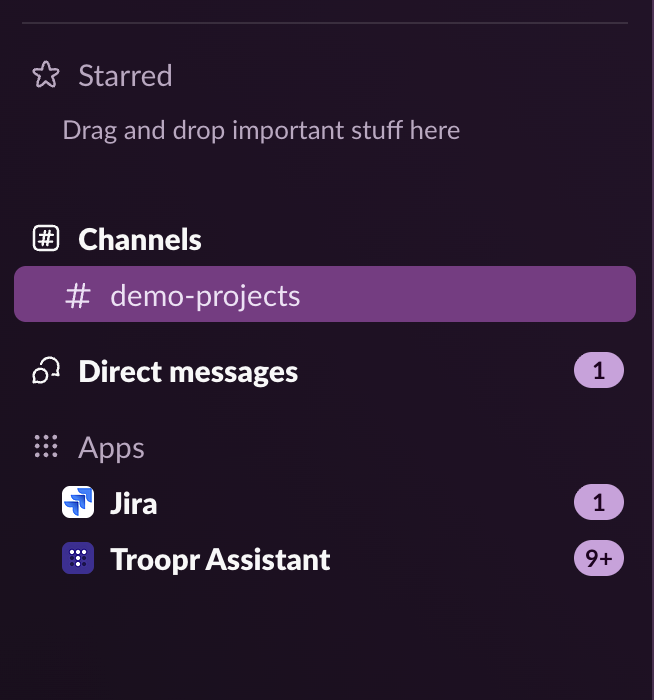
If you don't see it, click on "Apps" in the left side panel and search for "Troopr Assistant", you should see "Troopr Assistant" show up as an installed app.
Note: If you don't see it in the left side panel or in the installed apps section, Troopr is not installed yet in your workspace. You can install by following the steps above.