Manage Slack Connection
Slack is connected once at the workspace level by the person who installs Troopr. Every Team in the workspace shares this connection. No Team needs to connect Slack individually.
View the Slack connection
Select Connections from the bottom of the sidebar.
Click Manage connection next to Slack.
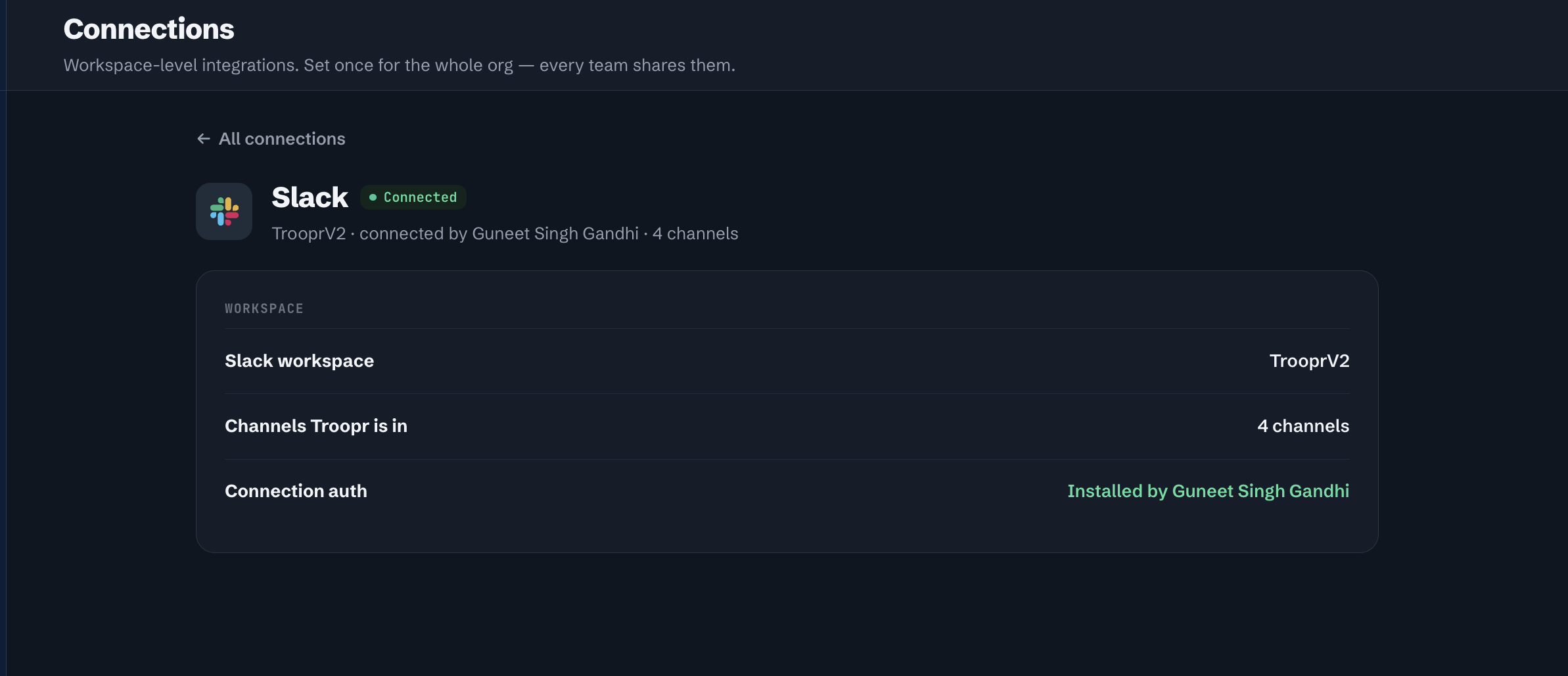
The detail page shows:
Slack workspace — The name of the connected Slack workspace.
Channels Troopr is in — The number of Slack channels Troopr has been added to.
Connection auth — Who installed the Troopr Slack app.