
Reminders
Check-in reminders
Troopr sends check-in reminders to participants who still need to respond before the check-in closes. For the Automated Standup, Troopr writes and sends each person's update on its own, so it asks a person directly only when an update is unclear.
Automatic reminders
Troopr sends a reminder 15 minutes before the wait time ends. If a standup is scheduled for 9:00 AM with a 30 minute wait time, the first notification goes out at 9:00 AM and the reminder goes out at 9:15 AM.
For a cross-timezone check-in, all participants receive reminders at the same time, regardless of their local timezone.
Reminders and the Automated Standup
The Automated Standup writes each person's update from their Jira, GitHub, and Slack activity and sends it, so it does not remind everyone every day. Troopr reaches out to a person only when it cannot tell what they are working on or their update is unclear.
Ask a person for their update
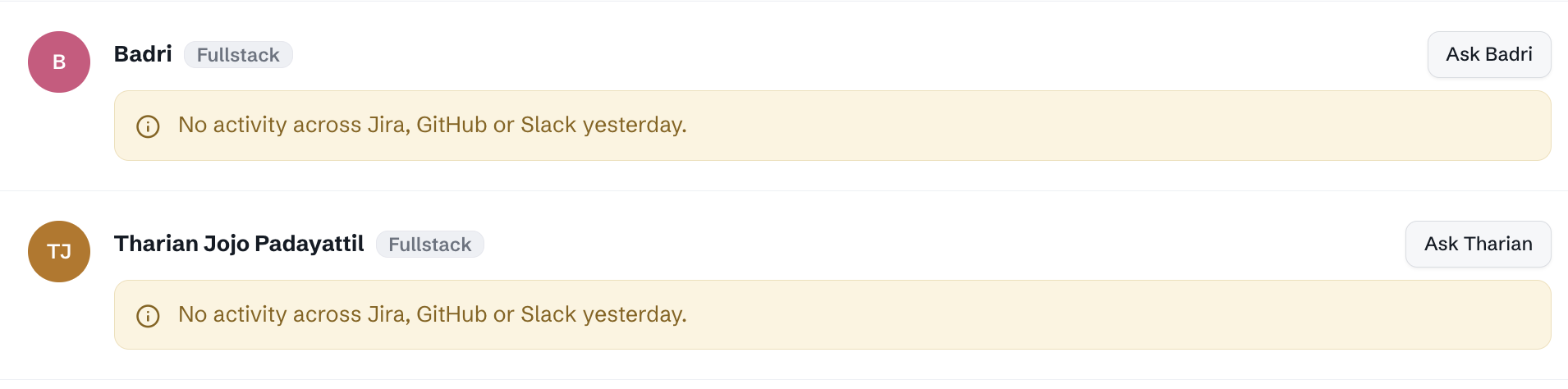
When an update is unclear, use the Ask action on that person's update to ask them directly. Troopr sends the person a message requesting the detail it needs, then folds their reply into the update.
1. Log in to the Troopr web app at https://app.troopr.io.
2. Go to Check-ins > Configured Check In and select the check-in.
4. Under Today's Standup report you should be able to view users with no specific activites assigned. Use "Ask Directly" to ask them for updates.
5. Select Send reminder.
Troopr cannot message people outside your organization, so reminders do not reach external members of a shared-channel standup.